 Your Book Nest
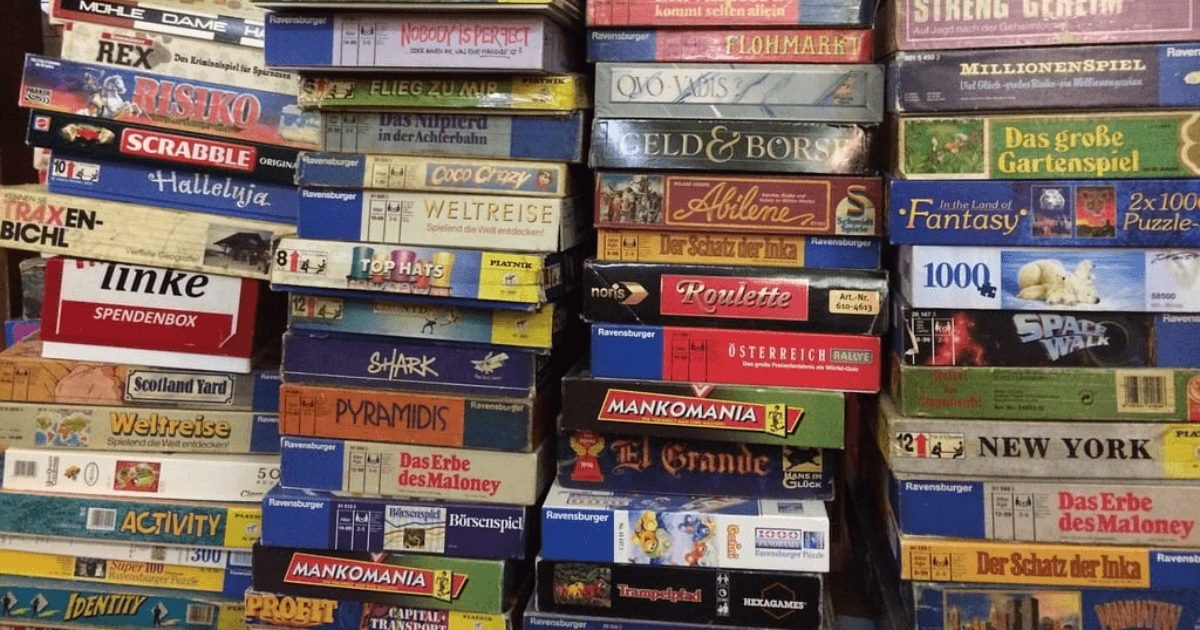
A board game library often runs at a church, community centre, or local gaming group.
The collection might be 30 to 100 games that people borrow, and the job is knowing who has what.
And none of it should need expensive, complicated software.
Libib
Libib lets you catalogue books, movies, and board games all in one place.
The free version holds up to 5,000 items. You scan barcodes with your phone, and it automatically pulls in the game information.
Board game support is still in beta, so you will need to enter some games manually. But once they are in the system, other Libib users can scan them too.
It is free for cataloguing, then $9 a month for checkout features.
- Pros
Barcode scanning works well, clean simple interface, mobile apps for iOS and Android, and can mix games with books and movies.
- Cons
Checkout and patron management require the paid Pro version, board game database still being built, and not specifically designed for lending.
Best for small libraries that want barcode scanning and do not mind paying $9 a month for checkout features.
LibraryThing with TinyCat
LibraryThing started as a personal book cataloguing site. TinyCat turns it into a small library system, the LibraryThing and TinyCat route, covered in depth elsewhere.
It handles board games, though you will mostly enter them manually. The focus is really on books.
It is free to try, and TinyCat subscriptions start around $3 a month for small libraries.
- Pros
Full circulation system included, patron accounts and holds, works for collections under 20,000 items, and been around since 2005.
- Cons
Not cheap if you need circulation, better for books than board games, steeper learning curve, and manual entry for most games.
Best for small libraries that primarily lend books but also have some games.
BoardGameGeek Collection Manager
BoardGameGeek is the Wikipedia of board games. Their collection tools are built into every user account.
You can track your games, log plays, and see statistics. The database is massive and incredibly detailed.
It is completely free.
- Pros
Best board game database anywhere, huge community, tracks plays and statistics, and free forever.
- Cons
Not designed for lending libraries, no checkout system, no patron management, and really built for personal collections.
Best for personal collections or tracking what games you own, not for lending to others.
Google Sheets
The simplest option: make a spreadsheet, with the limits a spreadsheet brings.
Three columns: Game Name, Borrowed By, Date Due.
It is free.
- Pros
Zero learning curve, works on any device, completely customisable, and no account needed.
- Cons
You do everything manually, no automation, easy to mess up, and gets messy fast with 50+ games.
Best for tiny collections of 20 games or fewer where you know everyone by name.
Simple library software for small collections
Some library software is built specifically for small lending libraries rather than trying to be everything to everyone, the same simple model behind tool library software for a library of things.
These focus on the basics: tracking items, who borrowed them, and when they are due back.
It is free for collections of 100 items or fewer.
- Pros
Simple checkout process, works on any device, no barcode scanner needed, and actually designed for lending.
- Cons
No BoardGameGeek integration, does not track play statistics, and not for personal collections.
Best for Community centres, churches, or groups lending 20-100 games who just need to know who has what.
How to choose
Under 20 games, and everyone knows everyone? Use Google Sheets. Do not overthink it.
Want to catalogue your personal collection and log plays? BoardGameGeek is built for this.
Need barcode scanning and you are willing to pay? Libib Pro at $9 a month gives you proper circulation.
Mainly lending books, but have some games? LibraryThing with TinyCat handles both.
Lending 20-100 games and want something simple? Look for software designed specifically for small lending libraries.
What most people get wrong
They pick software designed for university libraries with 100,000 books, the full ILS a small collection never needs.
Your church library with 50 board games does not need cataloguing standards, barcode labels, or fine management.
You need to know: Who has Catan? When is it due back?
That is it.
Start simple
Pick the option that matches your actual situation.
You can always switch later if you need more features. But most small game libraries discover they need less than they thought.
The best system is the one you will actually use.